Help·Organisation 3 min
Set up team
Sub-users with their own login, limits and models per person, shared projects, one invoice.
As the main account, you invite colleagues as sub-users. They work with your credit, you decide what each person can do and how much they can spend per month.
- 1
Invite
Under ’My Team’, click ’Invite’, enter name and email. The person receives a link and sets their password. The first seat is included, each additional one costs monthly.
- 2
Set permissions
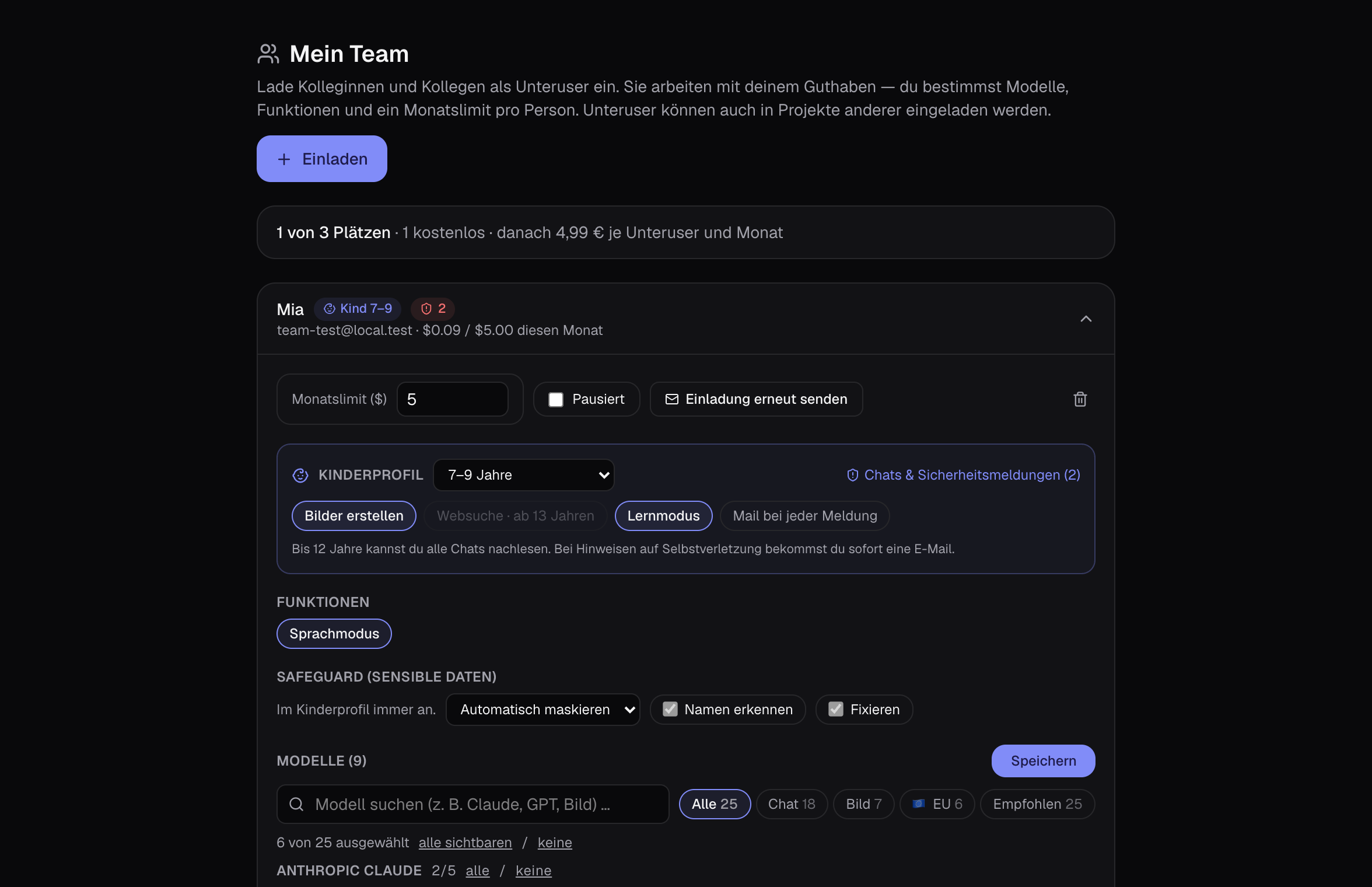
Per person: allowed models (with search and filters), features like images, multi-query or scraping, a monthly limit and the Safeguard standard — fixed if you wish.
- 3
Work together
You share projects and libraries by invitation. Sub-users can also be invited to other people’s projects.
- 4
Keep track of costs
Under ’My Team’ you see each person’s usage for the month. Below each response it shows what it cost.
Tips
- For sensitive data, fix the Safeguard for the whole team — then no one can switch it off.
- Child profiles are also sub-users: see Child Profile guide.