Word, PowerPoint, Excel and PDF
Create finished files directly from the chat and have uploaded documents read.
The studio doesn’t just deliver text: it builds Word documents, presentations, spreadsheets and PDFs that you can open and share immediately. And it reads your files when you attach them.
- 1
Create file
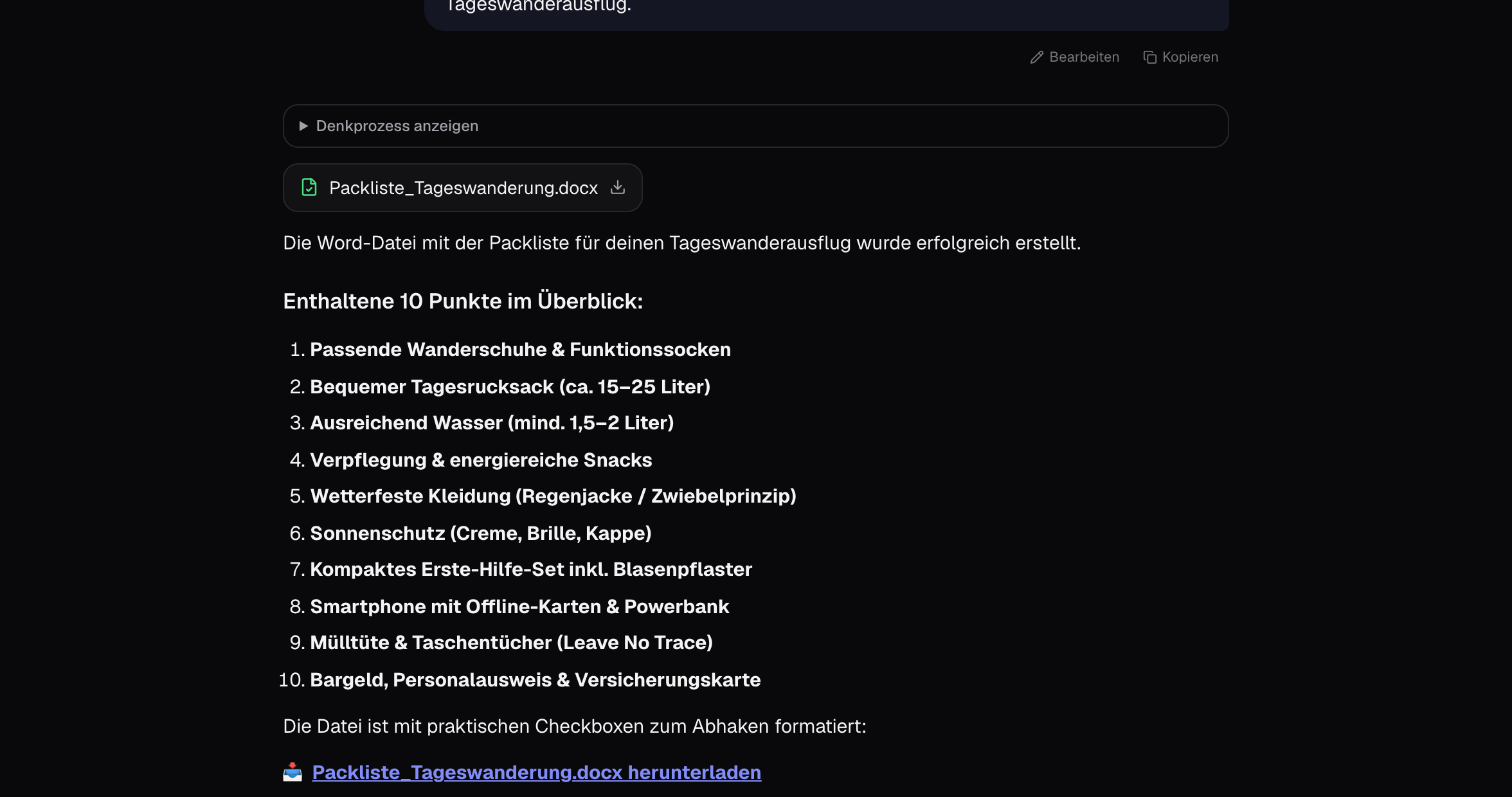
Write what you need and mention the format: ’Create a Word file with a packing list for a day hike’ or ’Turn this into a presentation with 8 slides’. The file appears as a card in the chat with ’View’ and download — you can read Word and PDF documents as well as design presentations directly in the app.
- 2
Presentations with design
For PowerPoint, you can specify colours, logo and tone: ’Company colours blue and white, professional, with agenda slide.’ The studio renders the slides as design and delivers the PPTX file.
- 3
Export answers
Every answer has ’PDF’ and ’Word’ at the bottom — practical for reports and research results, without reformatting the text.
- 4
Have files read
Use the paperclip or drag to attach PDF, Word, Excel, PowerPoint, CSV and images — PDF and images up to 20 MB, Office files up to 50 MB. Then ask: ’Summarise’, ’Check the numbers in column C’, ’What’s on page 4?’.
Tips
- You’ll find all generated files under ’Files’ sorted by month, with search and filter.
- For templates that should always look the same, a project with instructions is worth it: ’All documents in style X, footer Y.’
- Excel: formulae stay formulae — the studio writes real spreadsheets, not pictures of spreadsheets.
Cost: Like a normal model response; presentations with design a bit more because of rendering.