Generate images effectively
Choose the right image model, get better prompts with the magic wand and compare variants.
A good image comes from three things: the right model, a clear description and the willingness to compare two or three variants. The studio takes as much of that off your hands as possible.
- 1
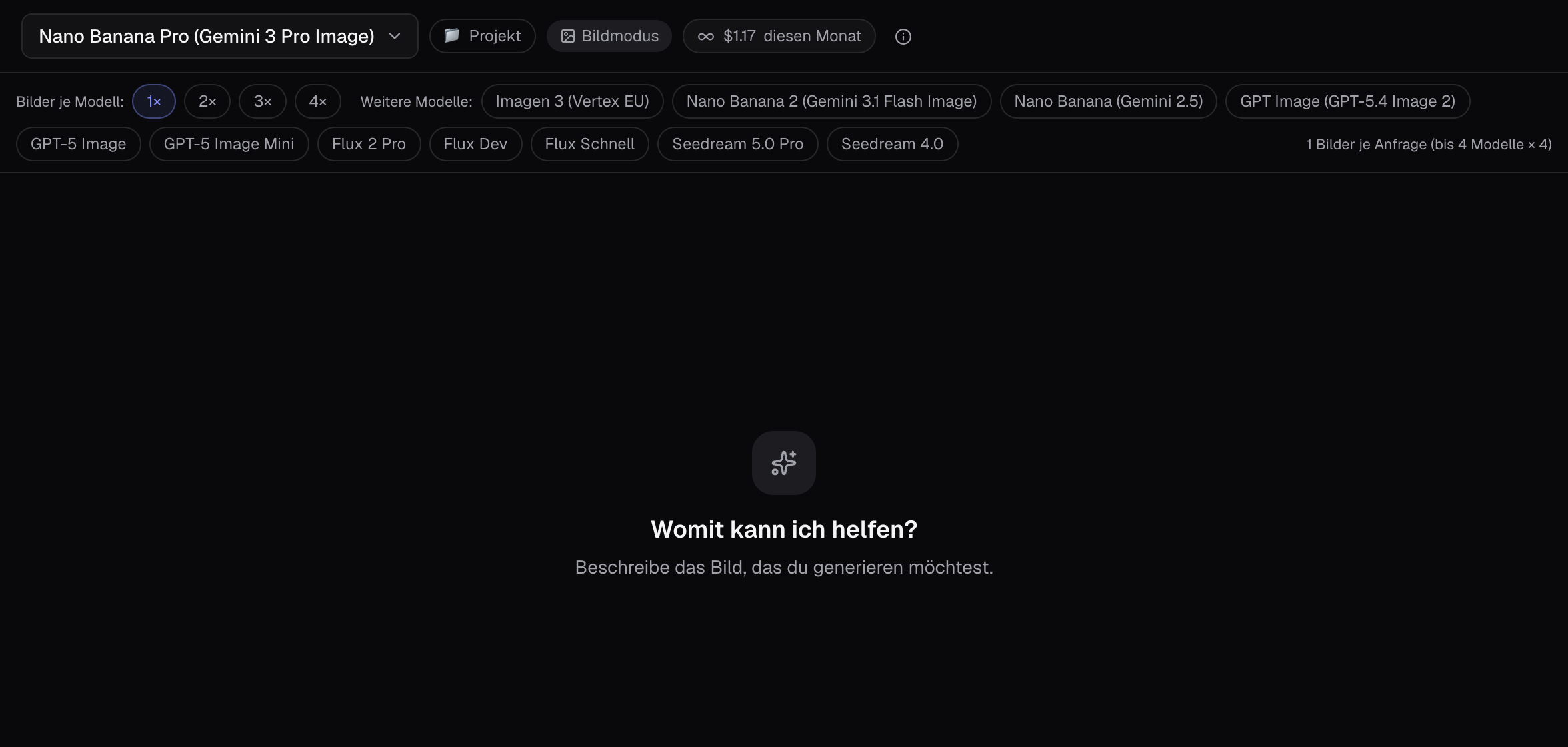
Choose image model
Click on the model at the top left and choose an image model. Nano Banana Pro is the all-rounder with very good text rendering, GPT Image is strong for logos and layouts, Flux Schnell is the cheapest for quick drafts, Imagen runs in the EU. The price per image is shown directly on the model.
- 2
Describe what you want to see
Write subject, style, mood and format in one or two sentences: «Qproduct photo of a blue coffee mug on wooden table, morning light, studio look, square.«Q The more specific, the better — words like «Qnice«Q don’t help, «Qwarm side light«Q does.
- 3
Magic wand: improve prompt
The magic wand sits at the bottom next to the input field. It turns your idea into a detailed prompt that fits the chosen model, and asks briefly if needed, such as what text should go in the logo. «QSuggestion«Q shows you the prompt first, «QAutomatic«Q generates directly. Usually costs under a cent.

- 4
Variants instead of one attempt
The ’Multi-image’ pill in the control bar switches on comparison mode: up to four models with up to four images each at once. For finding the right direction, two models with two images each is a good start. The total is shown in the pill and on the right of the row.
- 5
Continue working with the result
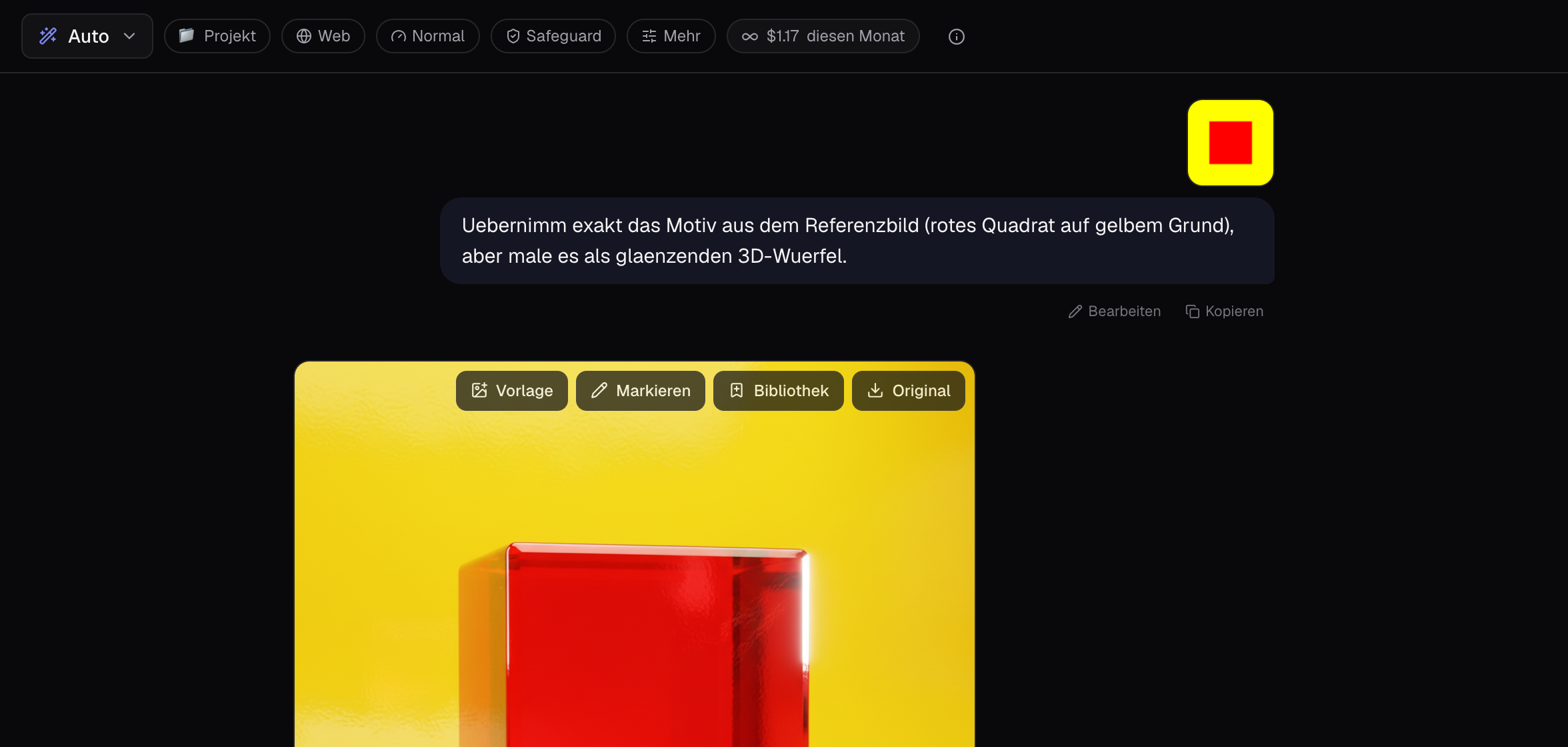
Each image can be clicked to view it large. On the image: «QTemplate«Q uses it for the next round, «QMark«Q lets you change specific areas, «QLibrary«Q collects it by client or topic, «QOriginal«Q downloads it in full resolution.
Tips
- Text in the image? Use Nano Banana Pro or GPT Image and write the text in quotation marks.
- Mention aspect ratio: «Qsquare«Q, «Qlandscape 16:9«Q, «Qportrait for Instagram«Q.
- In normal chat with «QAuto«Q, «QCreate an image of …«Q is enough — the studio will then open the model selection.
- The selection card has a «QNo idea«Q button that suggests the model based on your description.
Cost: Depending on the model, 1 to 15 cents per image, the exact price is shown on the model and under each response.