Help·Organisation 3 min
Automate recurring tasks
Briefs, reports and summaries run on schedule by themselves — as a chat or by email.
Everything you ask regularly, the studio can do by itself: the Monday industry brief, the weekly competitor summary, the monthly report from your data.
- 1
Create automation
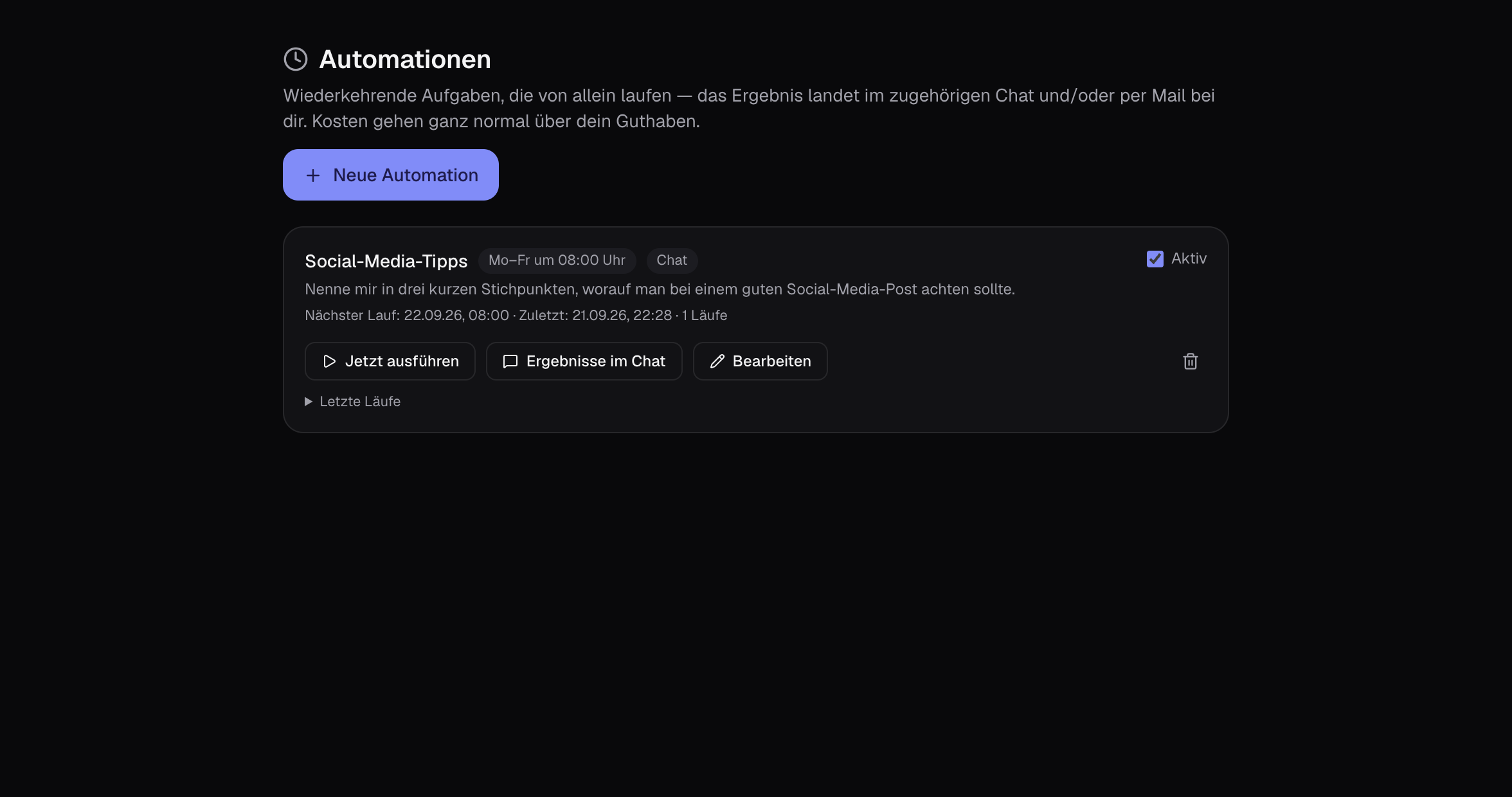
Create new on the left under ’Automations’: name, task as in chat, desired model or assistant, switch on web or research.
- 2
Choose schedule
Daily, weekdays, weekly or monthly, with time. Result as new chat or additionally as email to you.
- 3
Review and adjust
Read the first runs briefly and sharpen the task. Every automation can be paused or tested immediately.
Tips
- Automations run on your credit. If it’s running low, you’ll get a warning beforehand.
- Connections like Notion or Slack can be used in automations, for example to save the result directly.
- With the option “Only notify me when there is something to report”, the automation only writes to you when the condition from your task occurs — for example “if it rains” or “if there are new results”.
Cost: Per run like a response from the chosen model; with research correspondingly more.